


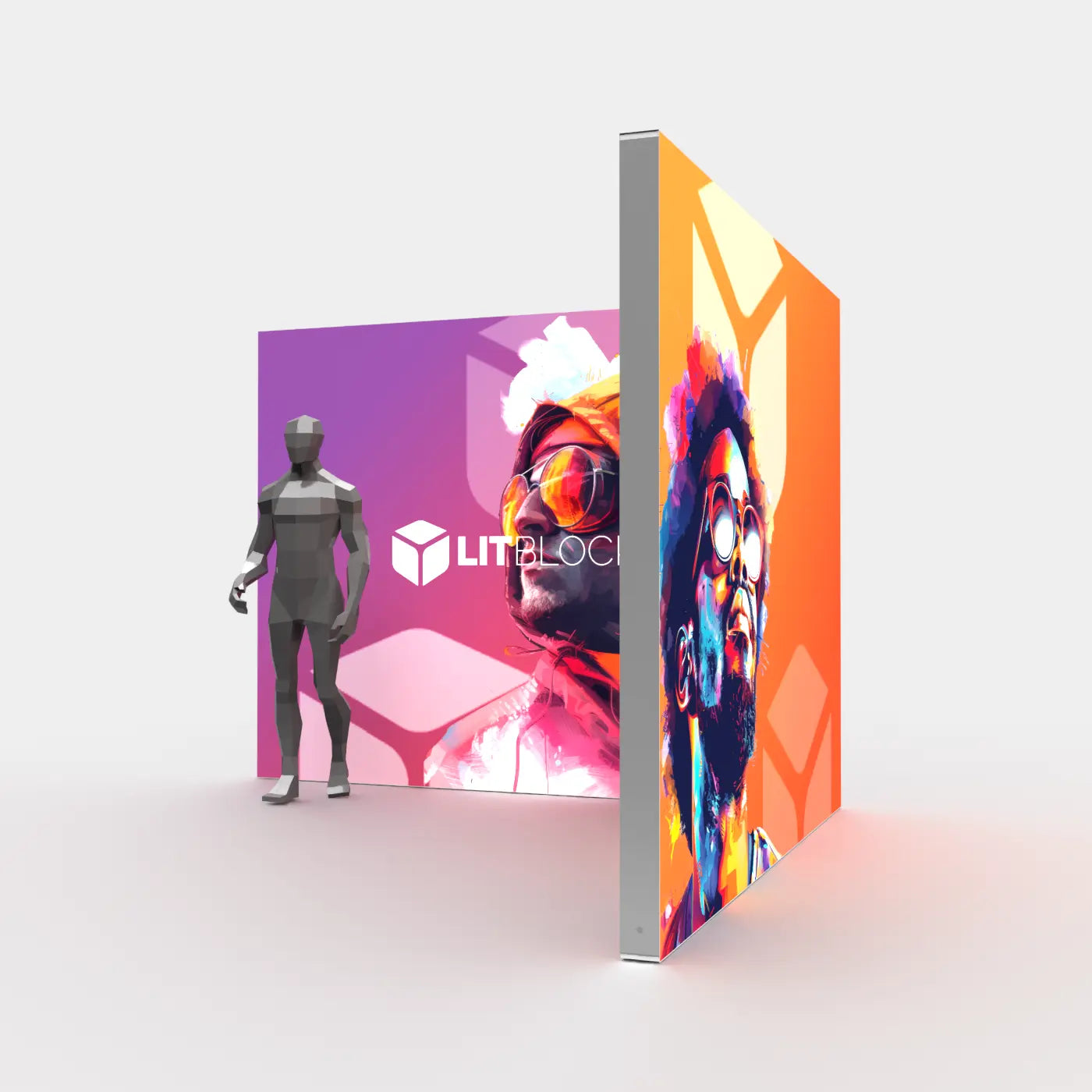
Fall is the busiest season in the trade show world—and if you want your brand to stand out, now is the time to prepare. From late August through November, venues across the country fill with industry expos, product showcases, and conferences. That means Fall 2025 will be packed with opportunity—but also with competition.
At LitBlocks.com, we’ve helped hundreds of exhibitors get ahead of the rush. Whether you're planning your first booth or upgrading to a new backlit lightbox system, the key to success is preparation. Here’s your step-by-step guide to building a winning trade show strategy for Fall 2025—plus the tools to bring it to life.
1. Start Planning in Late Spring and Early Summer
Waiting until August to prepare for fall events is a mistake many exhibitors make. But by then, you're already up against:
- Longer production lead times
- Limited design bandwidth
- Shipping crunches and event deadlines
- High-stress decision-making under pressure
Instead, use the summer slowdown to your advantage. Now is the perfect time to map out your goals, design your booth, and finalize your display order. The earlier you start, the more options and flexibility you’ll have—and the better your final booth will be.
2. Evaluate Your Current Booth Setup
Are you still using an older pop-up display or traditional printed backdrop? If so, this fall is a great time to upgrade. SEGO Modular Lightboxes offer stunning, modern visuals with built-in LED backlighting and tool-free setup. They help you stand out from the crowd—and they’re easier to use than most traditional systems.
Not sure what size or layout you need? Here are a few flexible configurations to consider:
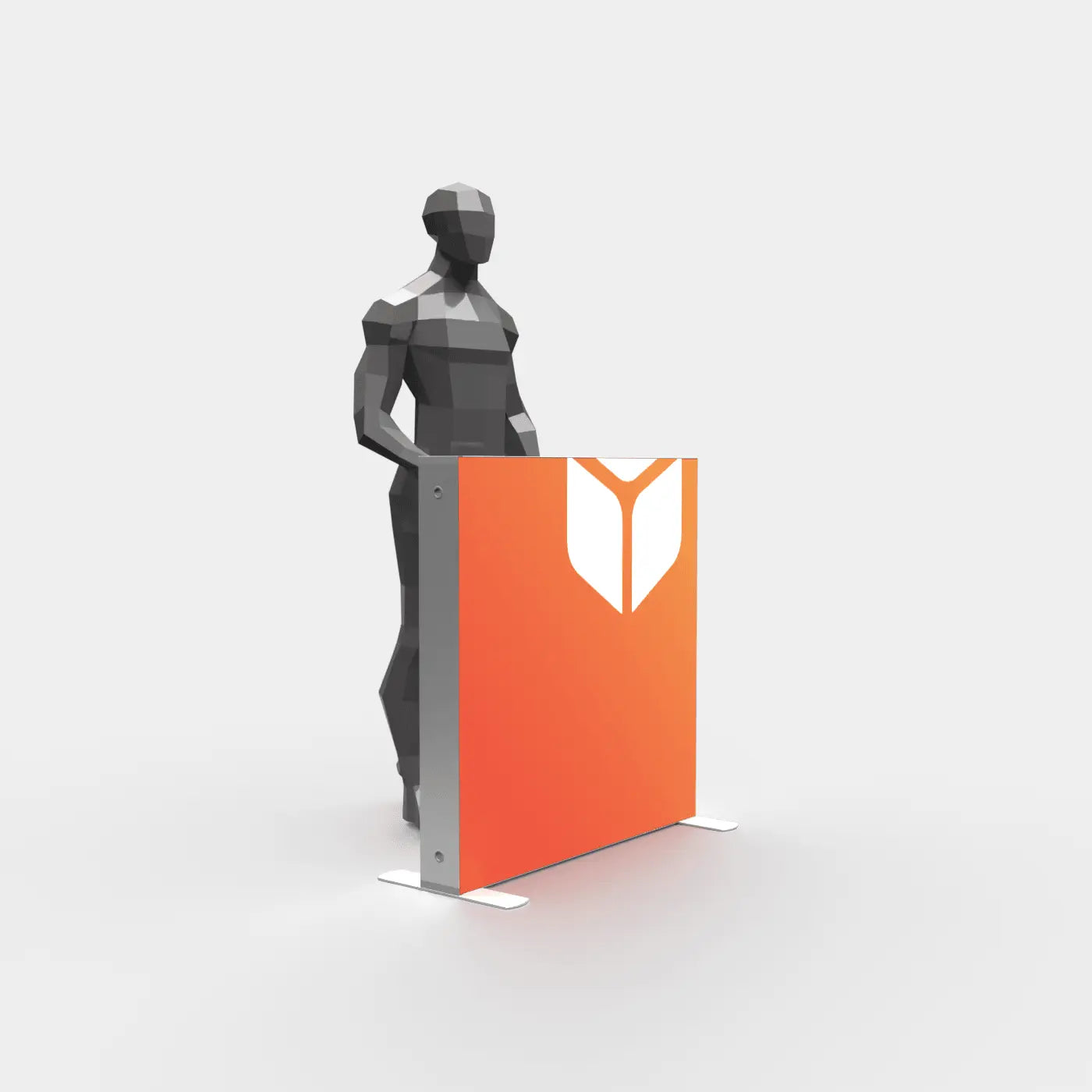
- Single-panel backlit banners for 10x10 spaces or entryways
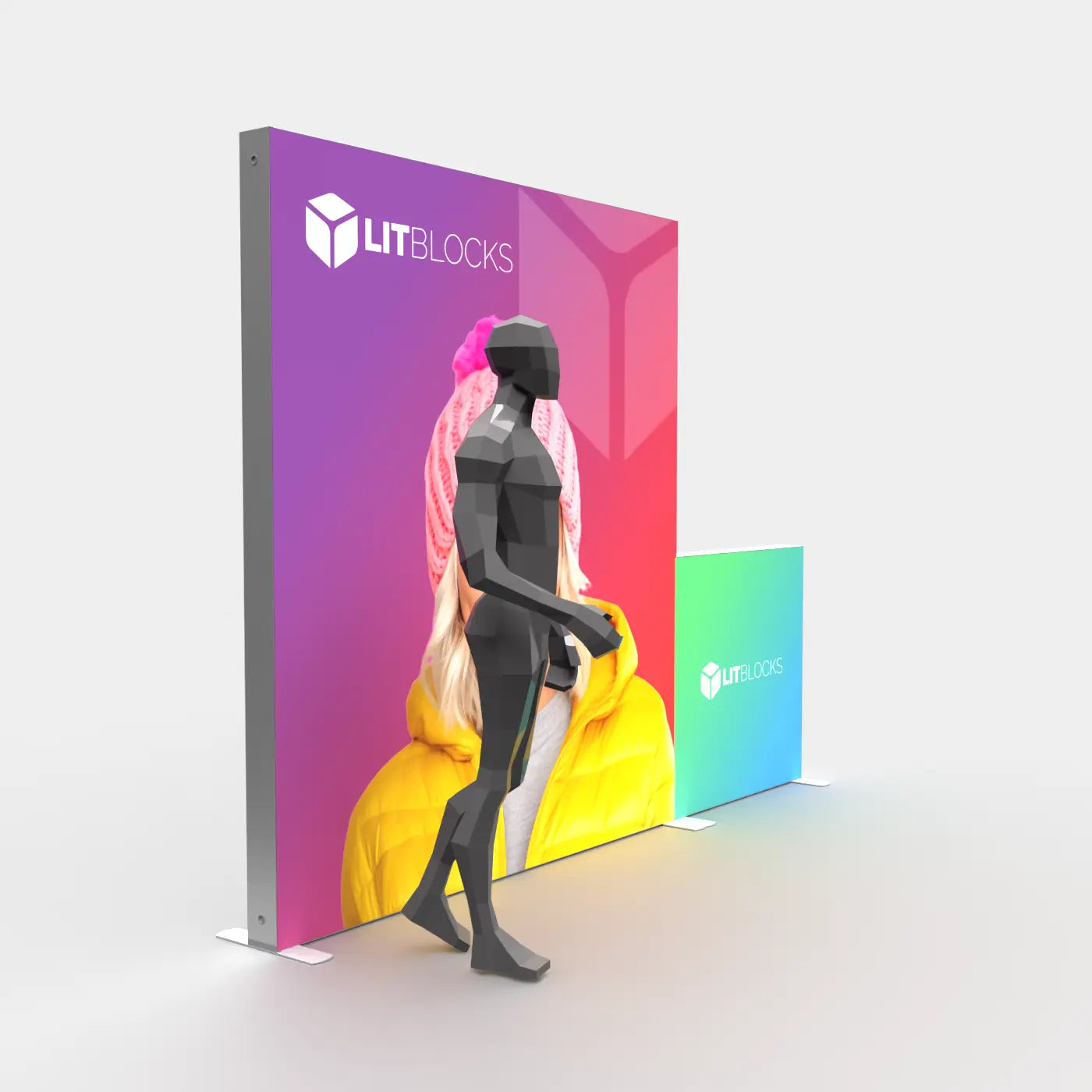
- 10ft backlit exhibits with monitor mounts for hybrid branding and video
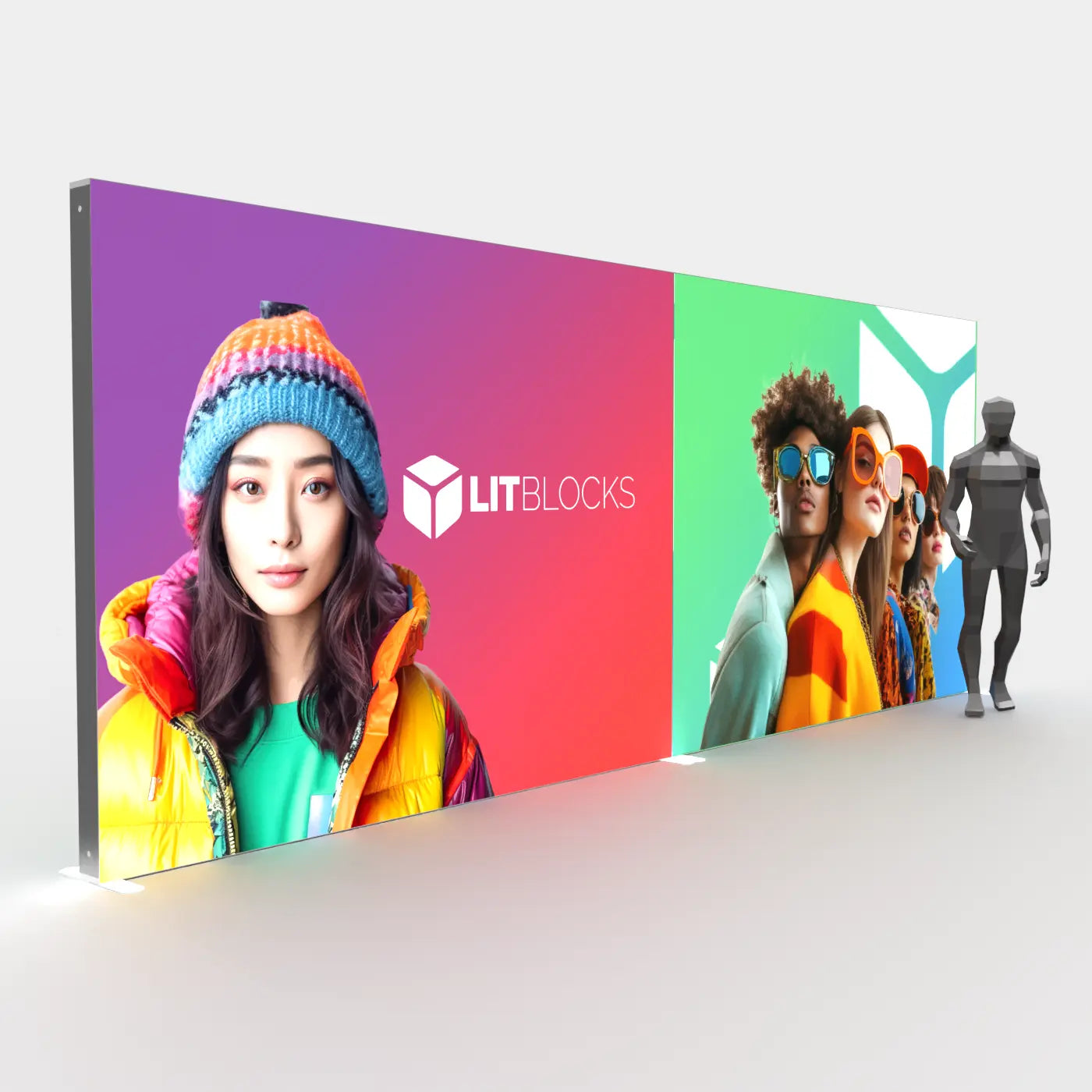
- 20ft modular SEGO exhibits for maximum visibility at larger shows
3. Refresh Your Branding & Graphics
Fall events are often where brands unveil new products, messaging, or campaigns. That makes now the right time to refresh your SEG graphics and prepare updated branding that aligns with your latest marketing goals.
Use our Exhibit Artwork & Graphic Design Services to create optimized backlit designs that truly shine. Or, if you already have print-ready graphics, order Replacement Graphics to update your existing SEGO hardware without investing in an entirely new setup.
4. Think Modular for Long-Term Flexibility
One of the smartest moves you can make this season is to invest in a modular display system. With SEGO Lightboxes, you can build a foundation that grows with your brand:
- Start with a 10ft backwall
- Add panels over time to expand into 10x20 or 10x30 layouts
- Reconfigure pieces for different show sizes or booth shapes
Check out the SEGO 100x225 cm Lightbox and SEGO 300x225 cm Lightbox—two of our most popular modular panels for building scalable booths.
5. Allow Time for Shipping and Show Services
Don’t forget: fall shows often have strict shipping deadlines, and show services (like electrical, internet, and labor) book up quickly. The earlier you lock in your display and shipping plan, the better your placement, rates, and support will be.
Ordering early also gives you time to:
- Do a full test-setup before your event
- Train your team on assembly
- Ship your booth directly to the venue (or advance warehouse) with confidence
6. Maximize Engagement with Add-Ons
Fall shows tend to be larger and more competitive, so adding a screen or product showcase can help you stand out. SEGO makes this easy with monitor-ready displays and add-ons like bridges and shelves.
Need parts to expand your current setup? Our Parts & Accessories collection has you covered.
Get Ahead—Fall Will Be Here Before You Know It
Fall 2025 may seem months away, but in the world of trade shows, it’s already around the corner. The brands that prepare now will show up confident, on time, and ready to impress. Whether you’re upgrading your graphics, switching to a modular backlit system, or starting from scratch, LitBlocks.com is here to help you build a booth that wins attention—and drives results.
Shop SEGO Lightboxes now or get started with custom booth design today.
Share:
TV Integration in Trade Show Booths: Why It Works and How SEGO Makes It Easy
The Ultimate Guide to SEG and Mobile Lightbox Displays