



Trade Show Setup Tips for Mobile Lightbox Displays
Mobile lightboxes are built to make your life easier. With a few smart moves, you’ll set up faster, reduce stress, and end up with a booth that looks bright, clean, and photo-ready. Use these field-tested tips to get from case to glow in less time.
Before You Arrive
Success starts long before you hit the show floor. Do a quick “bench build” at the office a week before your event. Dry-fit the frame, power up the LEDs, and check each graphic for fit. Pack spare power supplies, a microfiber cloth, gaffer tape, and extra SEG gasket. Label every case clearly — wall A, wall B, counter — so anyone on your team can find parts fast.
Unpack with a Plan
Lay all parts on a clean surface and stage hardware by section. Keep LEDs and wiring away from foot traffic. If you’re building multiple walls, start with the back wall first so you can stage other elements in front without constant moving.
Frame Assembly the Easy Way
- Build flat: Assemble frames on the floor to keep corners square.
- Match labels: Most systems, like SEGO, are numbered — match the numbers for a perfect fit.
- Cable check: Connect internal LED jumpers as you go to avoid fishing wires later.
Install Graphics Like a Pro
When the frame is up, install the SEG graphic starting at the corners and working toward the middle. Press the silicone edge in a few inches at a time and keep tension even around curves. If you see ripples, gently pull back and reset that section — a smooth face is worth an extra minute.
Power and Lighting
Before you button up, test the LEDs. Consistent brightness is the difference between “good” and “wow.” Keep color temperature consistent across every wall. If your venue lighting is warm, slightly cooler LEDs can balance the overall look. Hide cables with clips or channels and keep power supplies off the floor where they could get kicked.
Troubleshooting Quick Hits
- Rippled graphic? Re-seat the nearest corner and work back toward the center.
- Uneven light? Check LED jumpers and look for loose connections.
- Leaning frame? Confirm all locks are fully seated and feet are leveled.
End-of-Day Tear-Down
Power down, remove graphics slowly, and roll image-side out. Coil cables loosely and protect LED bars in their padded compartments. A tidy pack-up makes tomorrow’s setup faster and protects your investment.
For more guidance on sizing and planning, see How to Configure SEG Mobile Lightbox Sizes, and for ongoing care, read Maintaining and Cleaning SEG Lightboxes. You can also revisit The Ultimate Guide to SEG and Mobile Lightbox Displays for a full overview.
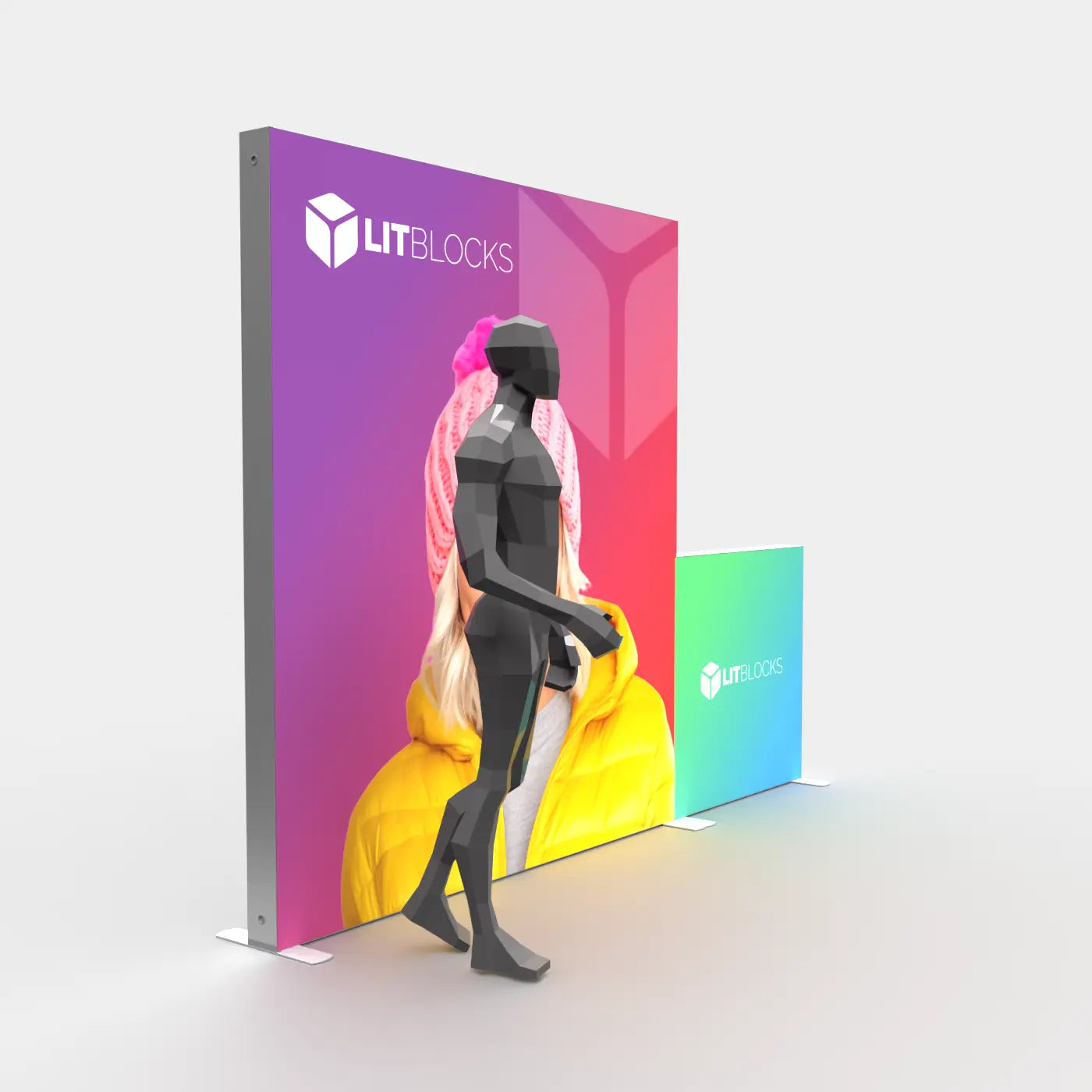
Ready to elevate your booth? Explore SEGO Lightboxes and Mobile Displays at LitBlocks.

Share:
Maintaining and Cleaning SEG Lightboxes
How to Configure SEG Mobile Lightbox Sizes