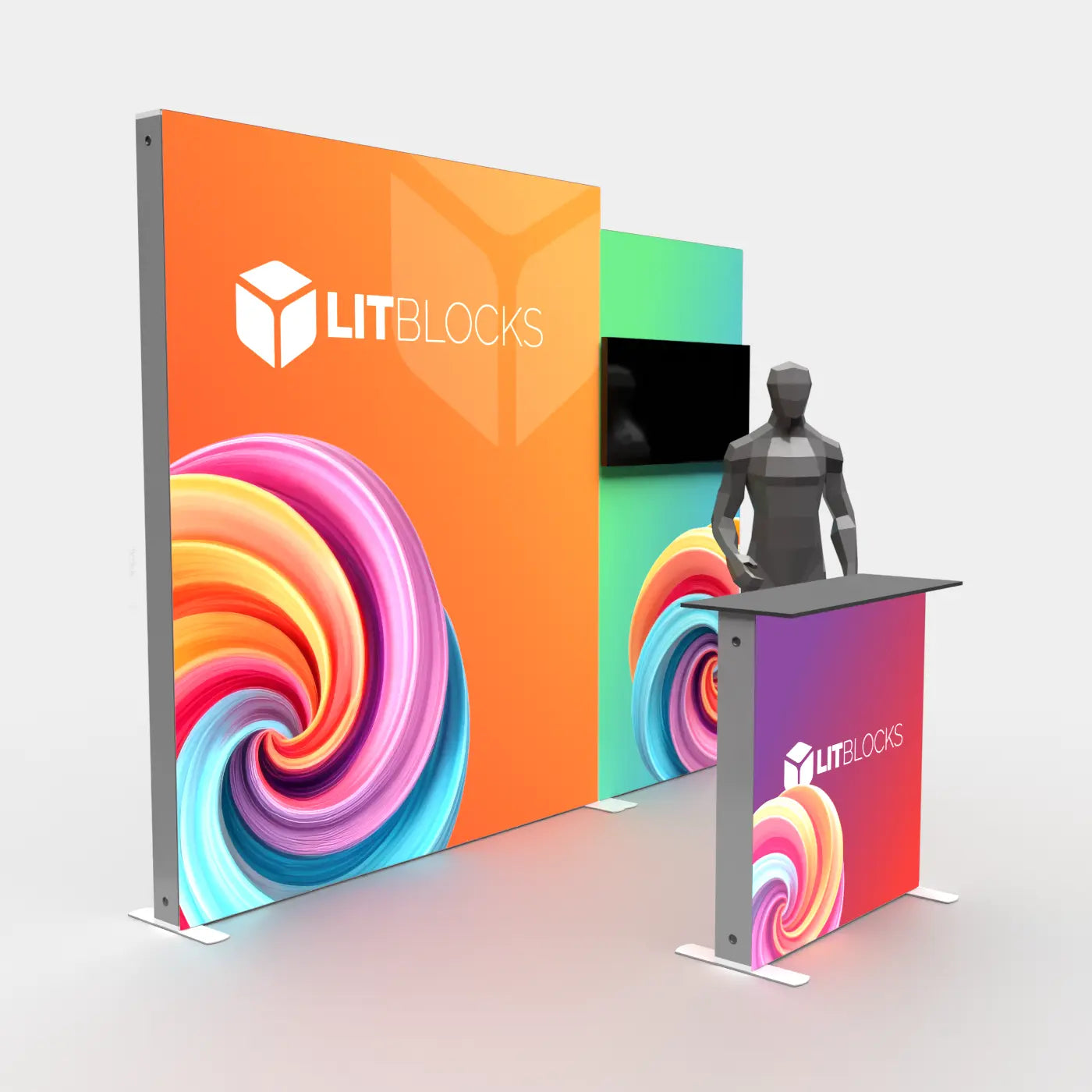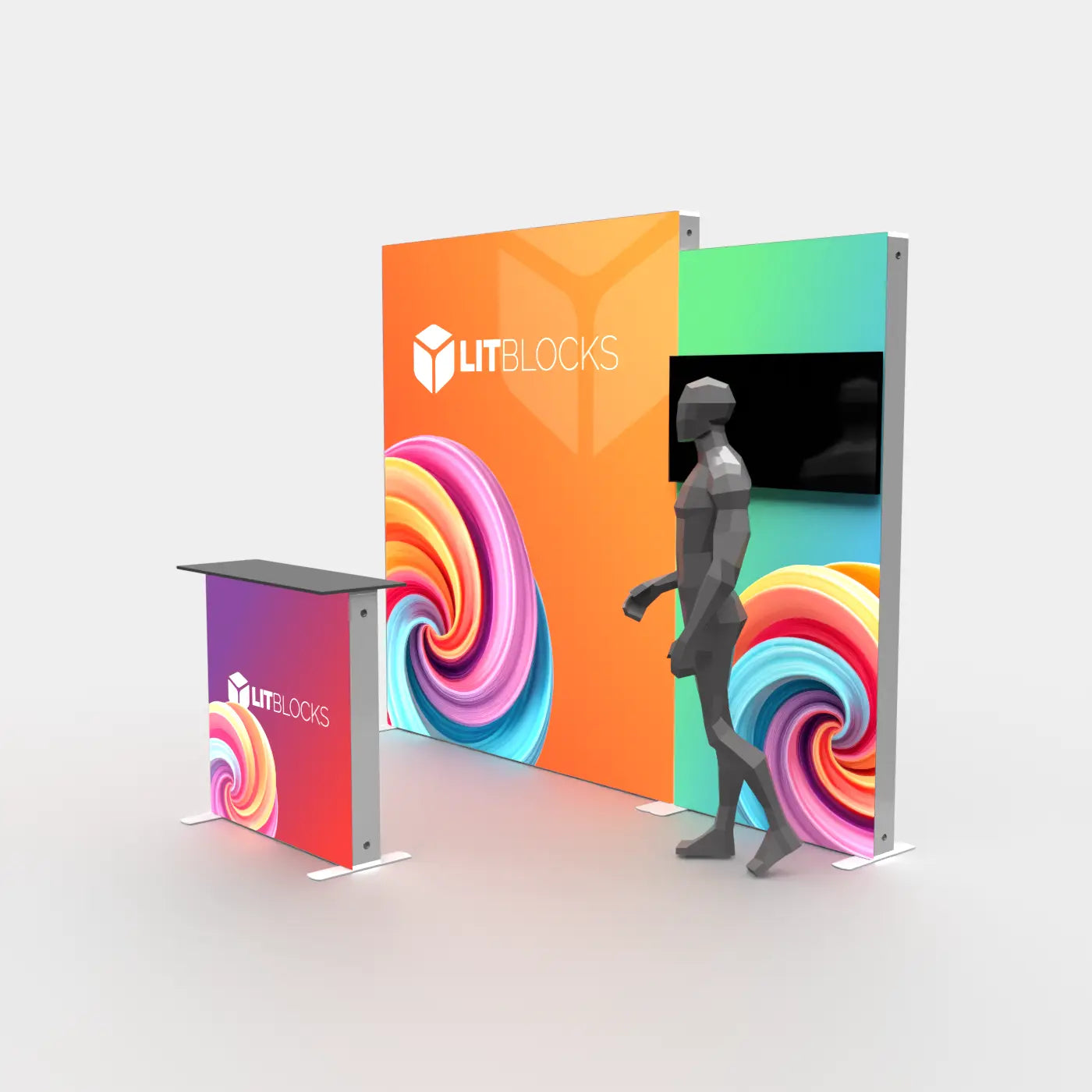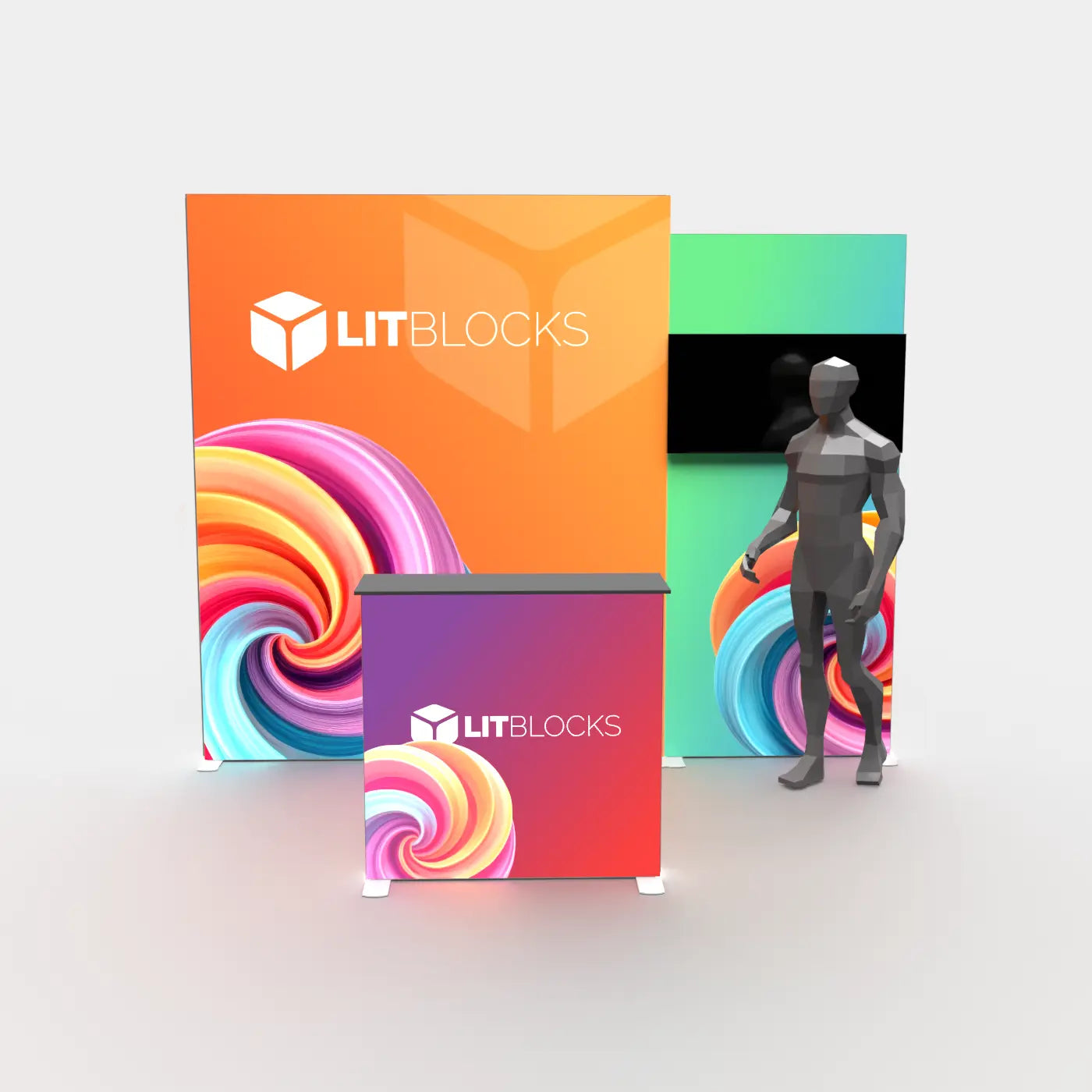


Booth size
Use the 10 × 10 and 10 × 20 collections to start with systems built for common exhibit spaces.
Start with the decision that matters
Begin with booth size, then narrow by the job the display needs to perform. LitBlocks systems are modular, but the best starting configuration depends on traffic flow, storage, graphics, and presentation needs.
Use the 10 × 10 and 10 × 20 collections to start with systems built for common exhibit spaces.
Decide whether the booth needs a simple wall, TV support, storage, a counter, or a dimensional structure.
Choose single-sided graphics for wall placement or double-sided graphics when both faces will remain visible.
Start with the configuration needed now, then confirm how the frame can be expanded or reconfigured later.
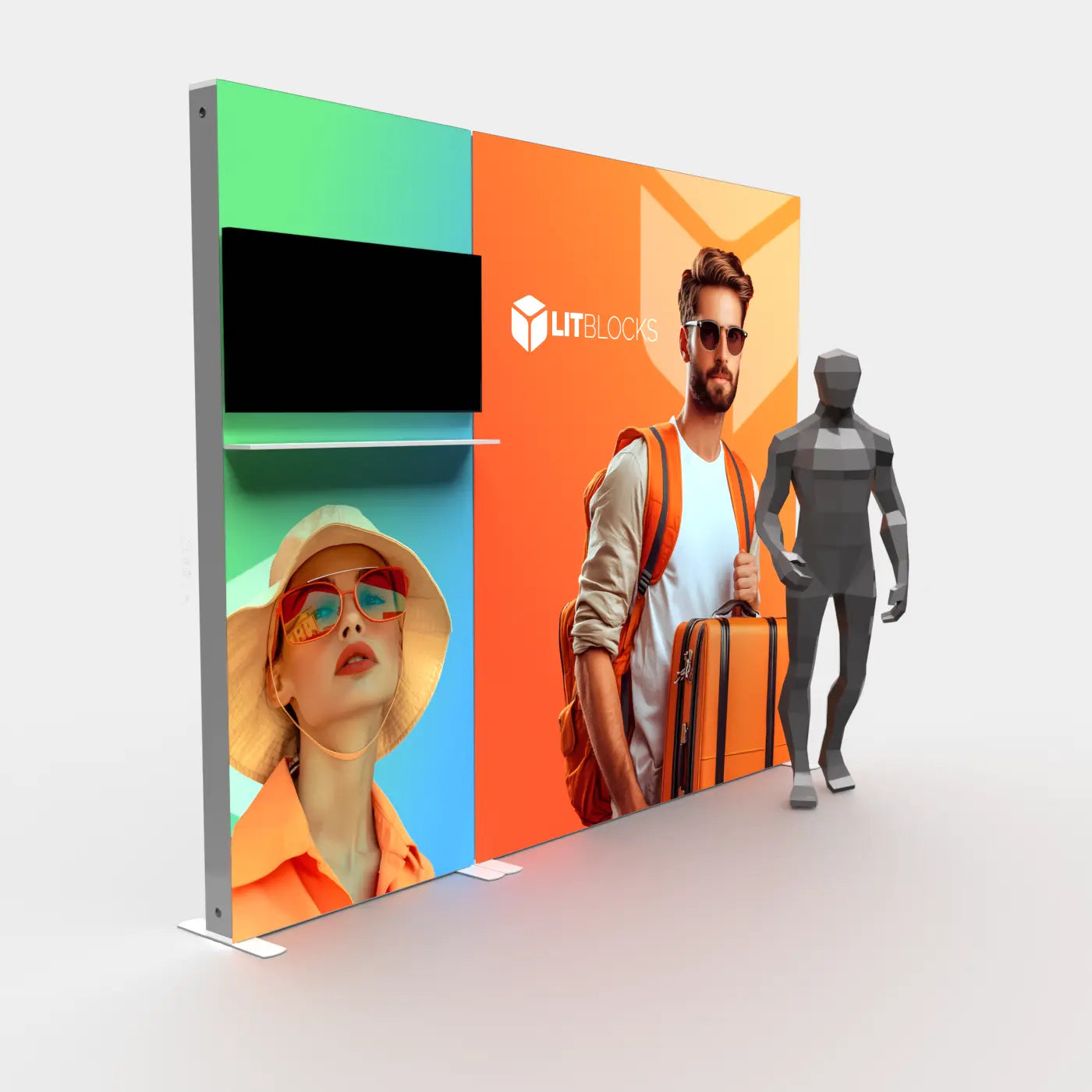
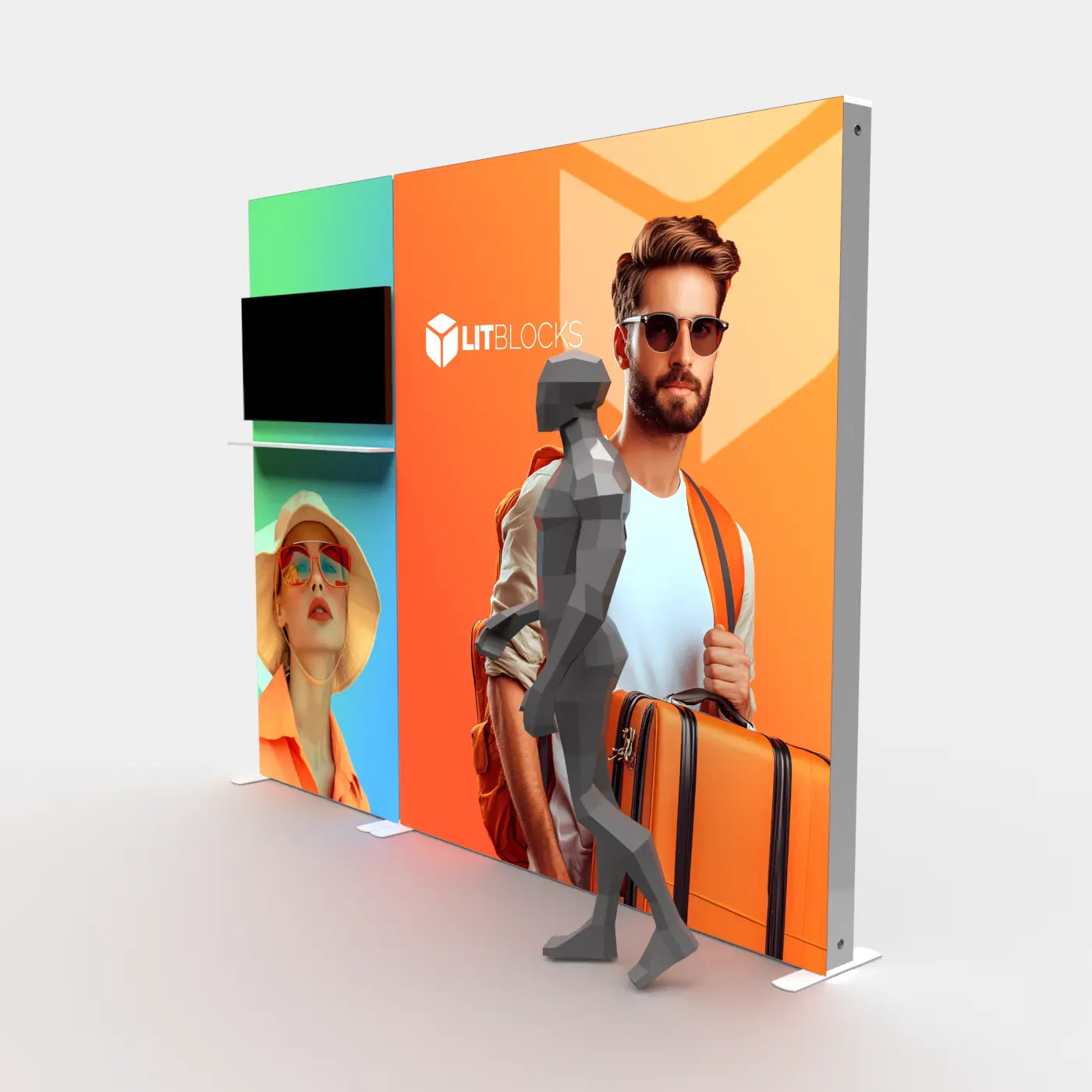
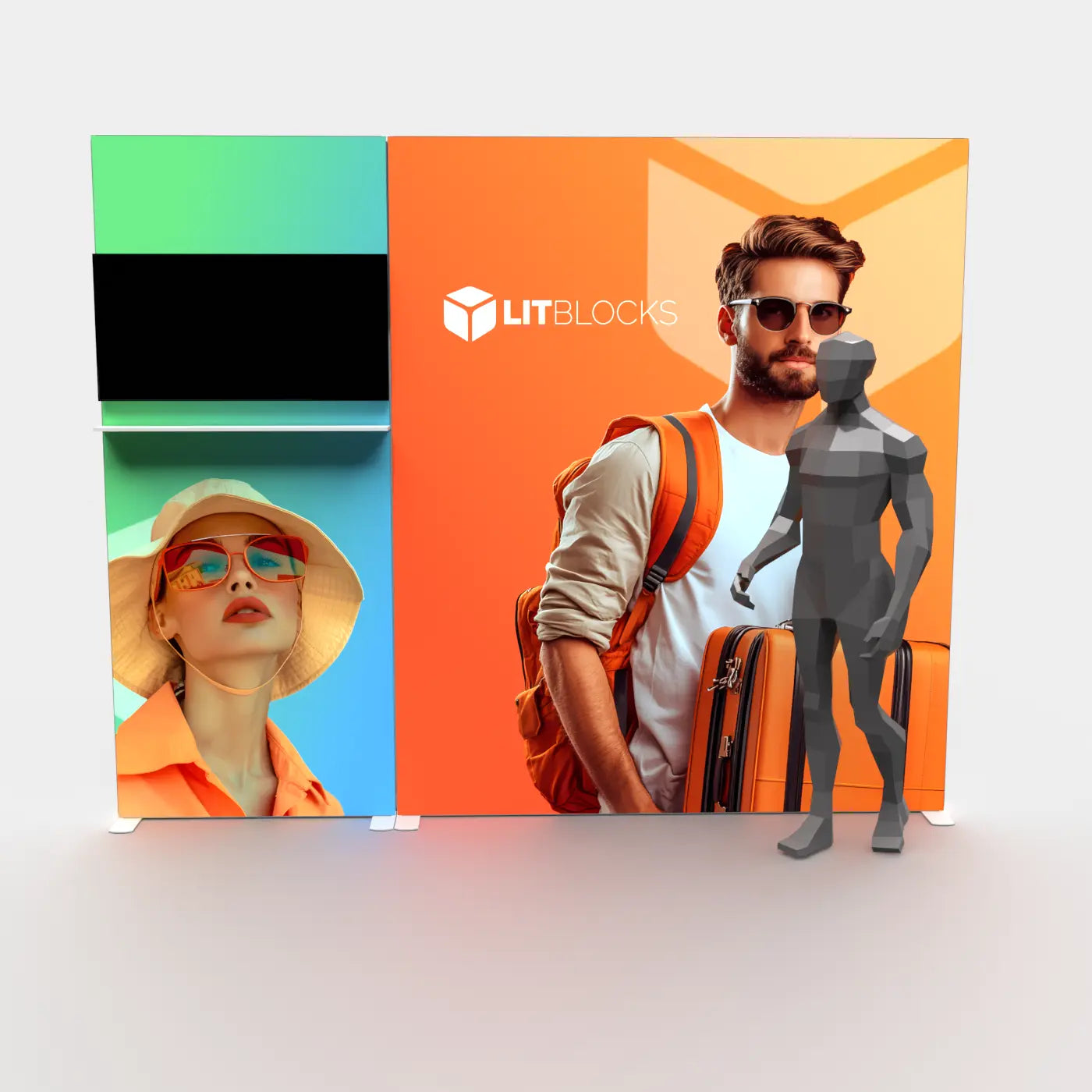
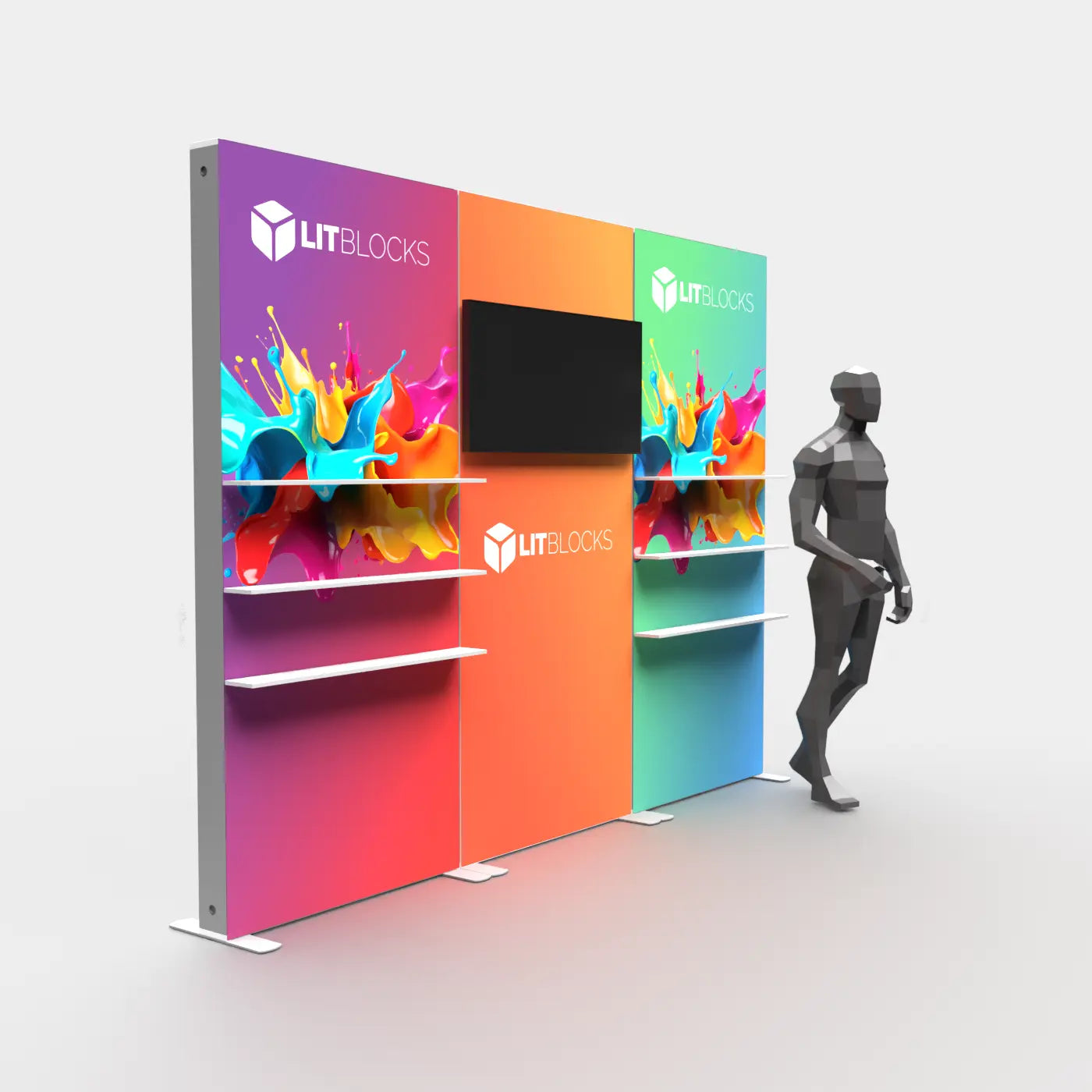
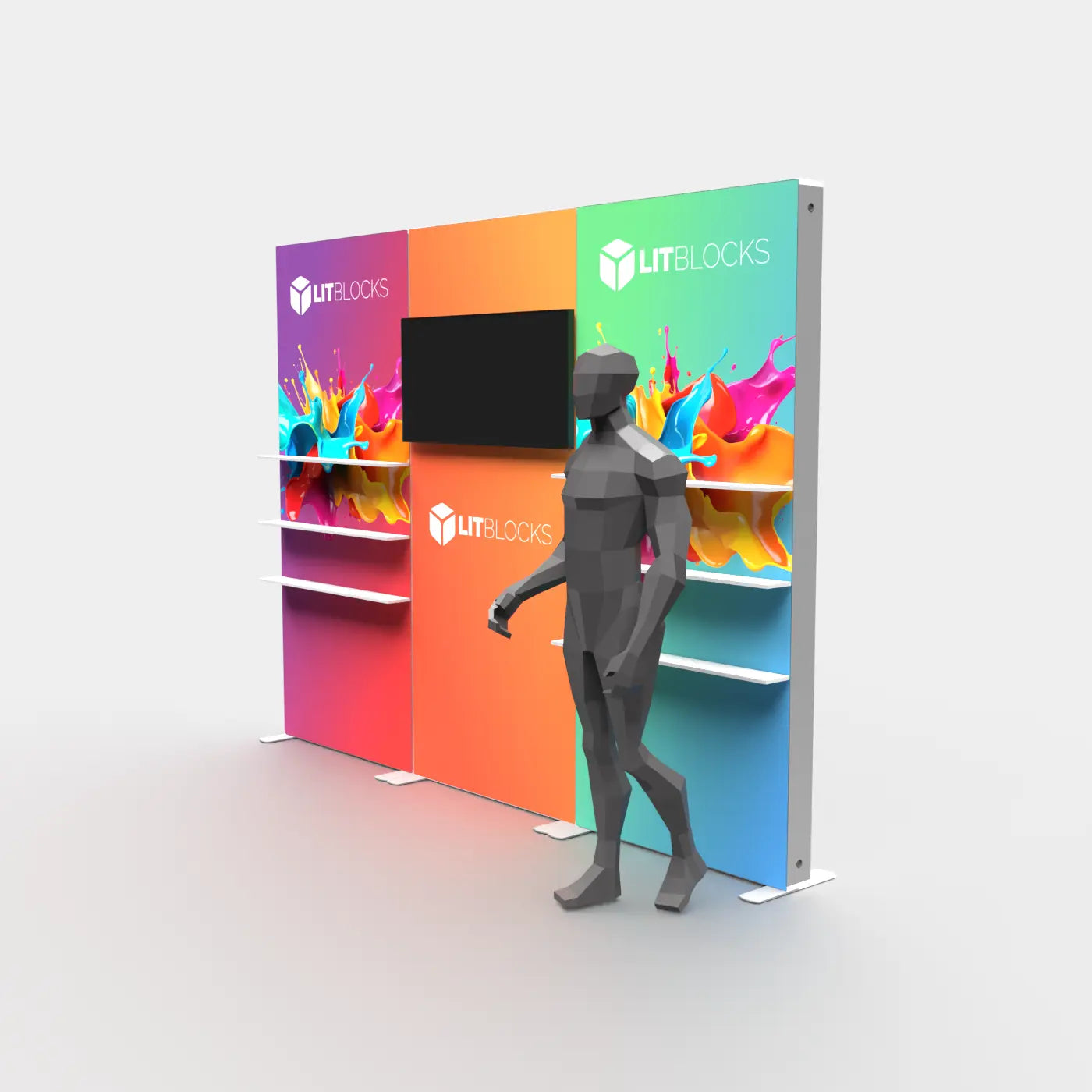
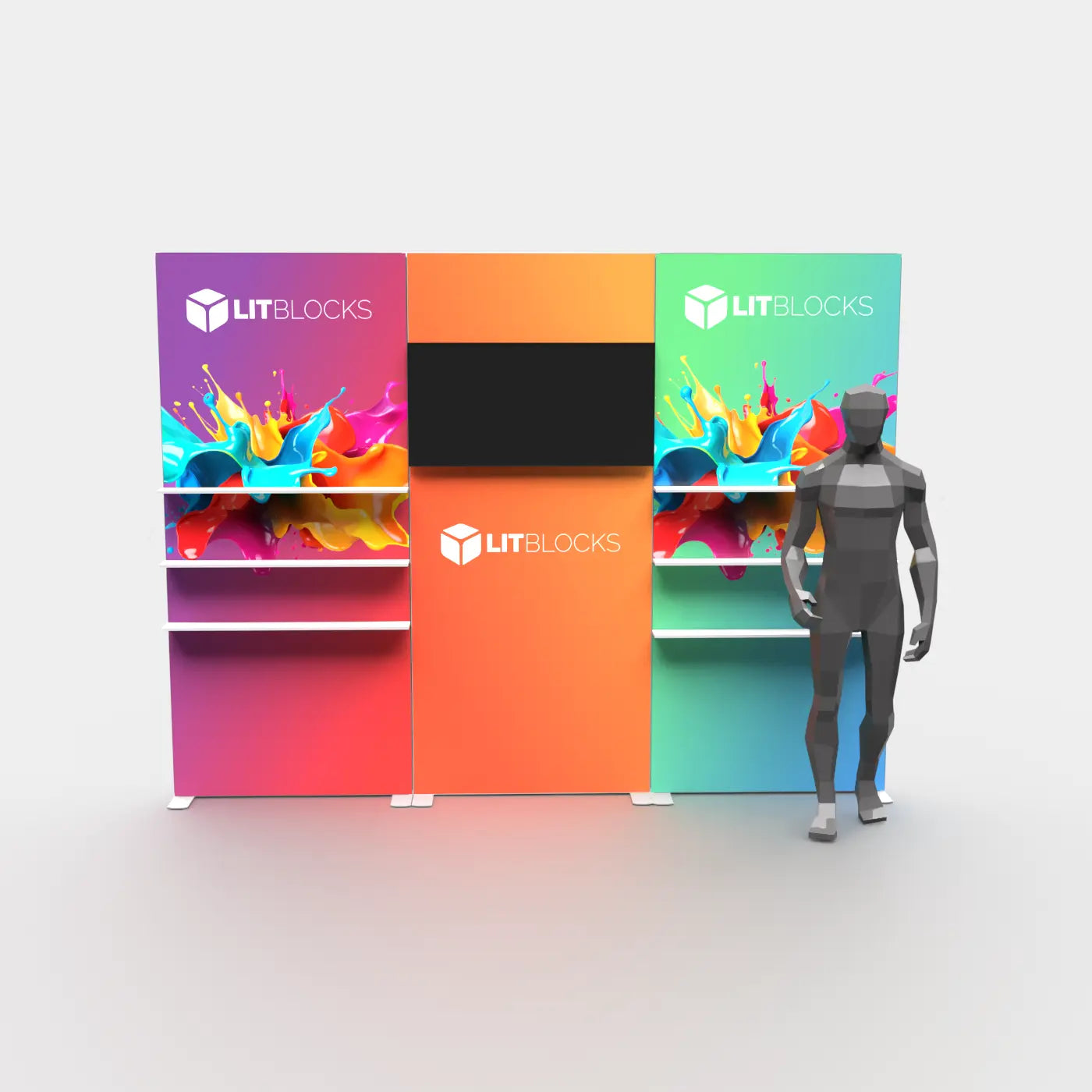
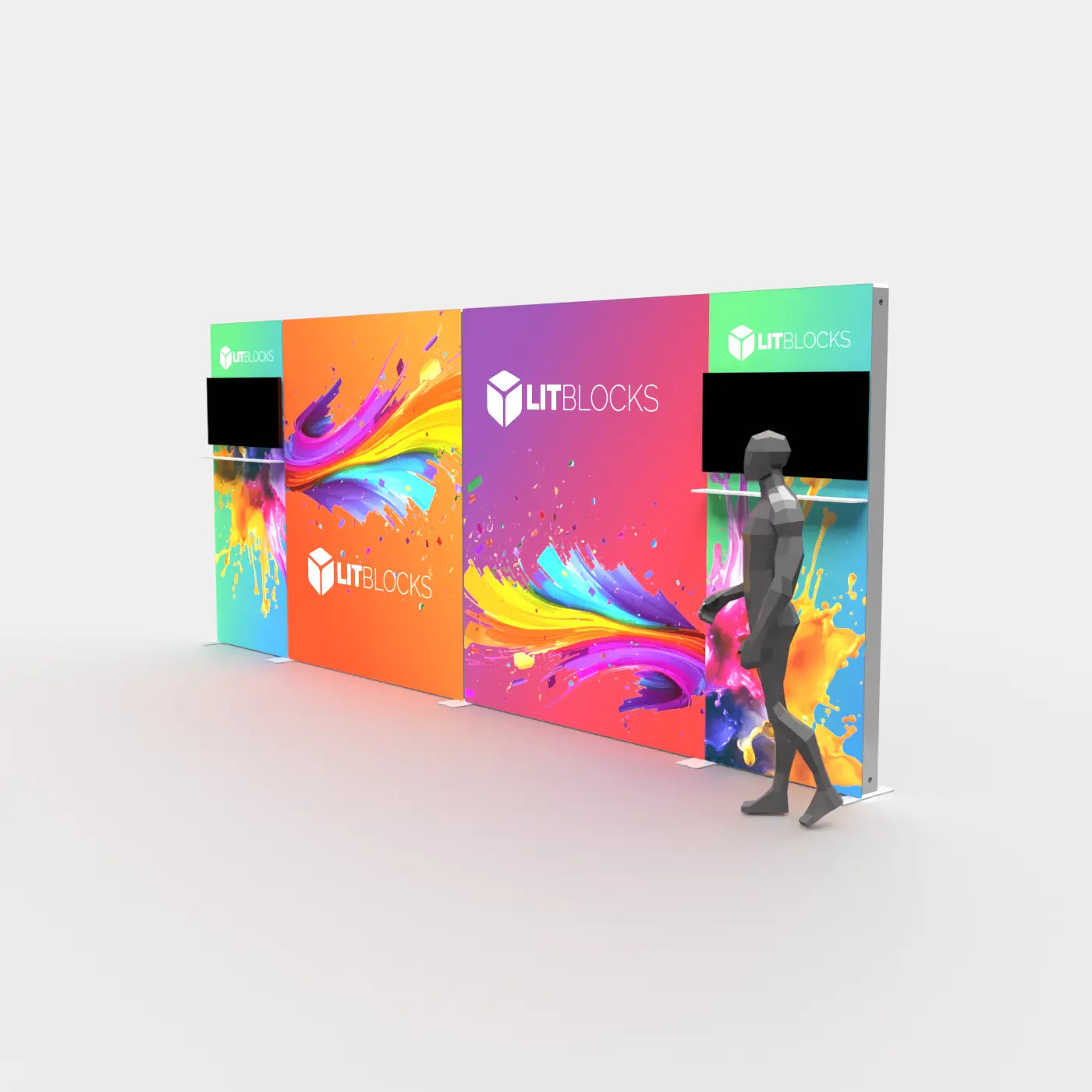
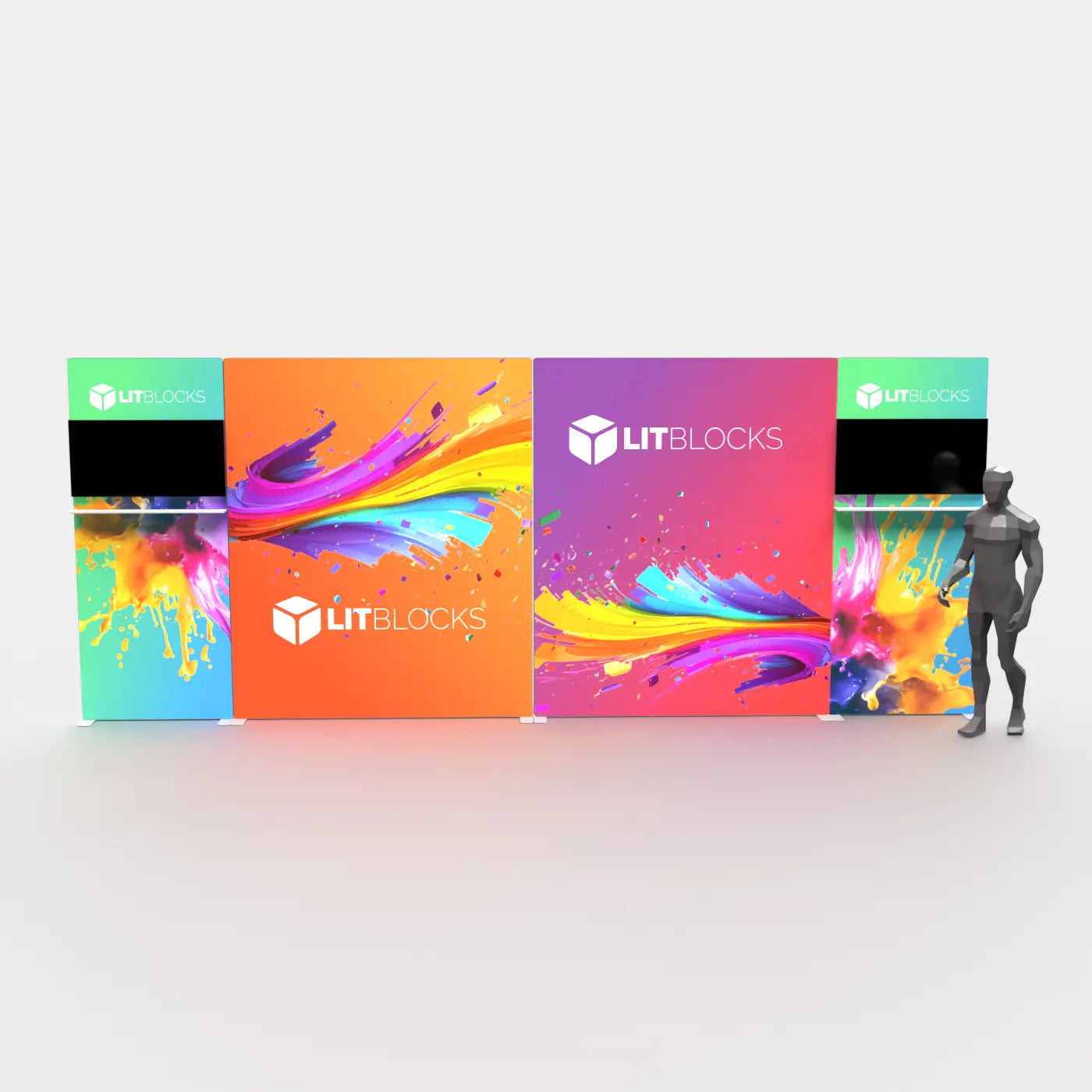
TV Mount · Six shelves included
A closer look at your display options
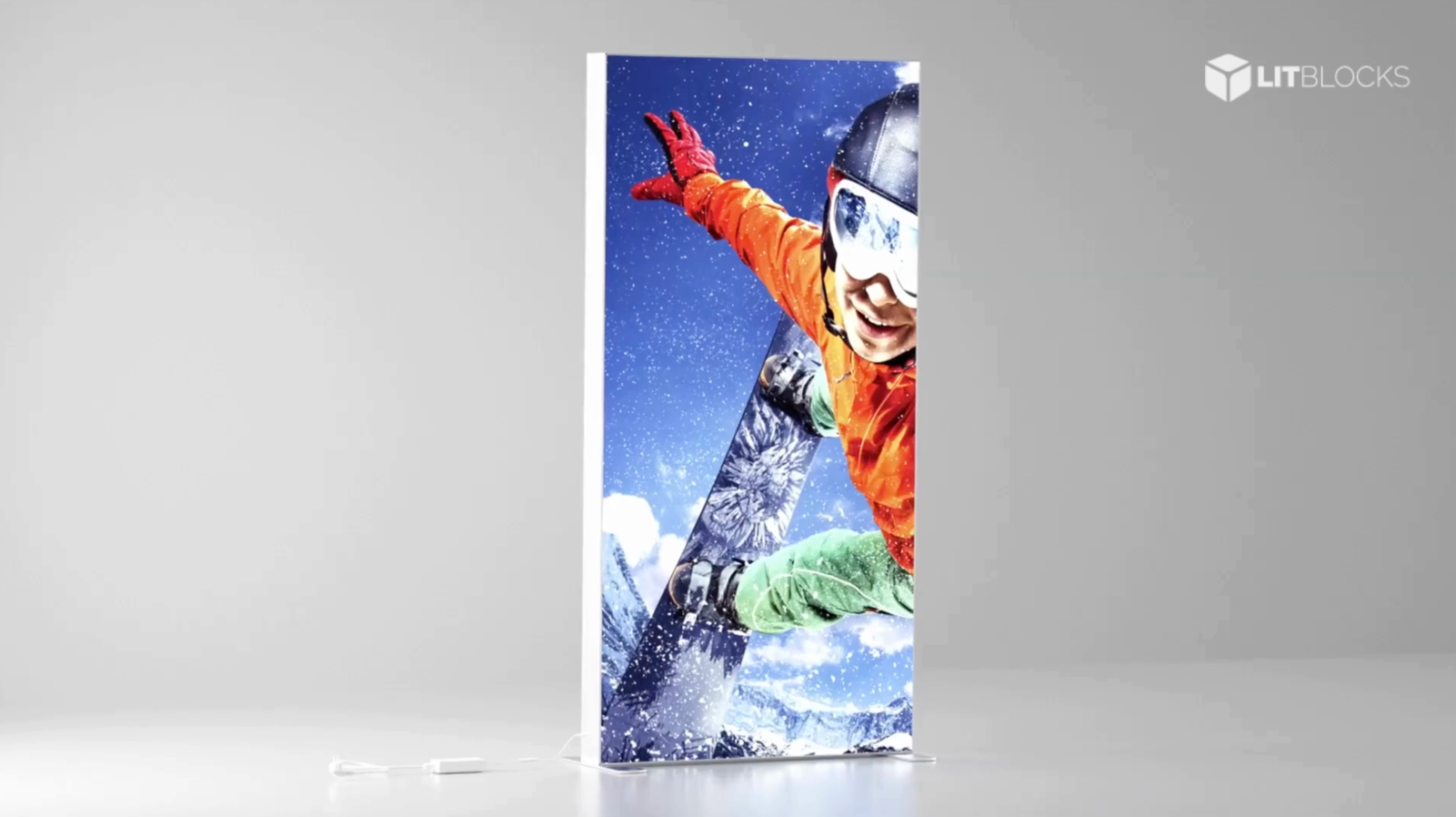
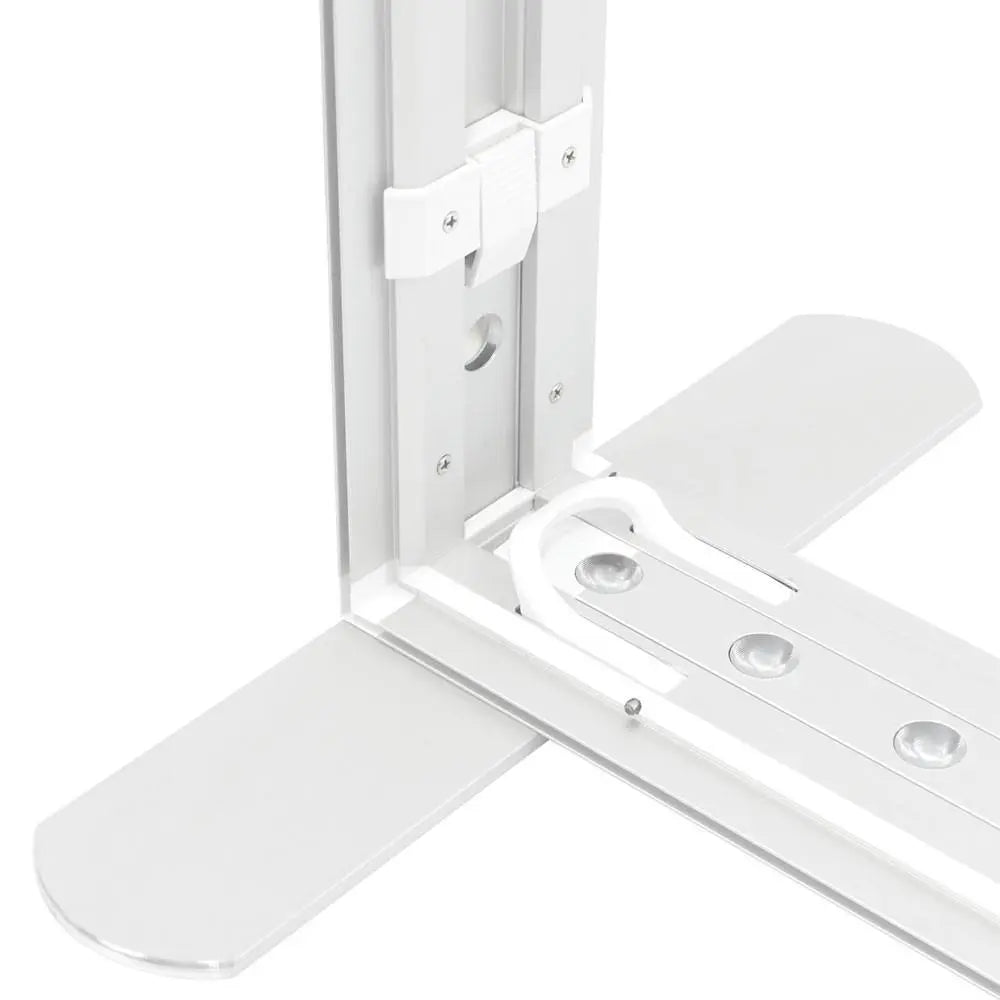
Open a product to check its assembled dimensions, printed faces, included components and artwork templates. Lighting, connectors and replacement graphics must match the selected frame.
Start with single panels, 10 × 10 displays or 10 × 20 displays. For system and layout guidance, read the SEGO planning guide.
Already have a frame? Compare replacement graphics or parts and accessories, and confirm compatibility before ordering.